MD5 Checksum
Generate MD5 checksums before uploading data files. The checksum works like a file fingerprint and helps IMDA confirm that the uploaded file is the same as the file on your computer.
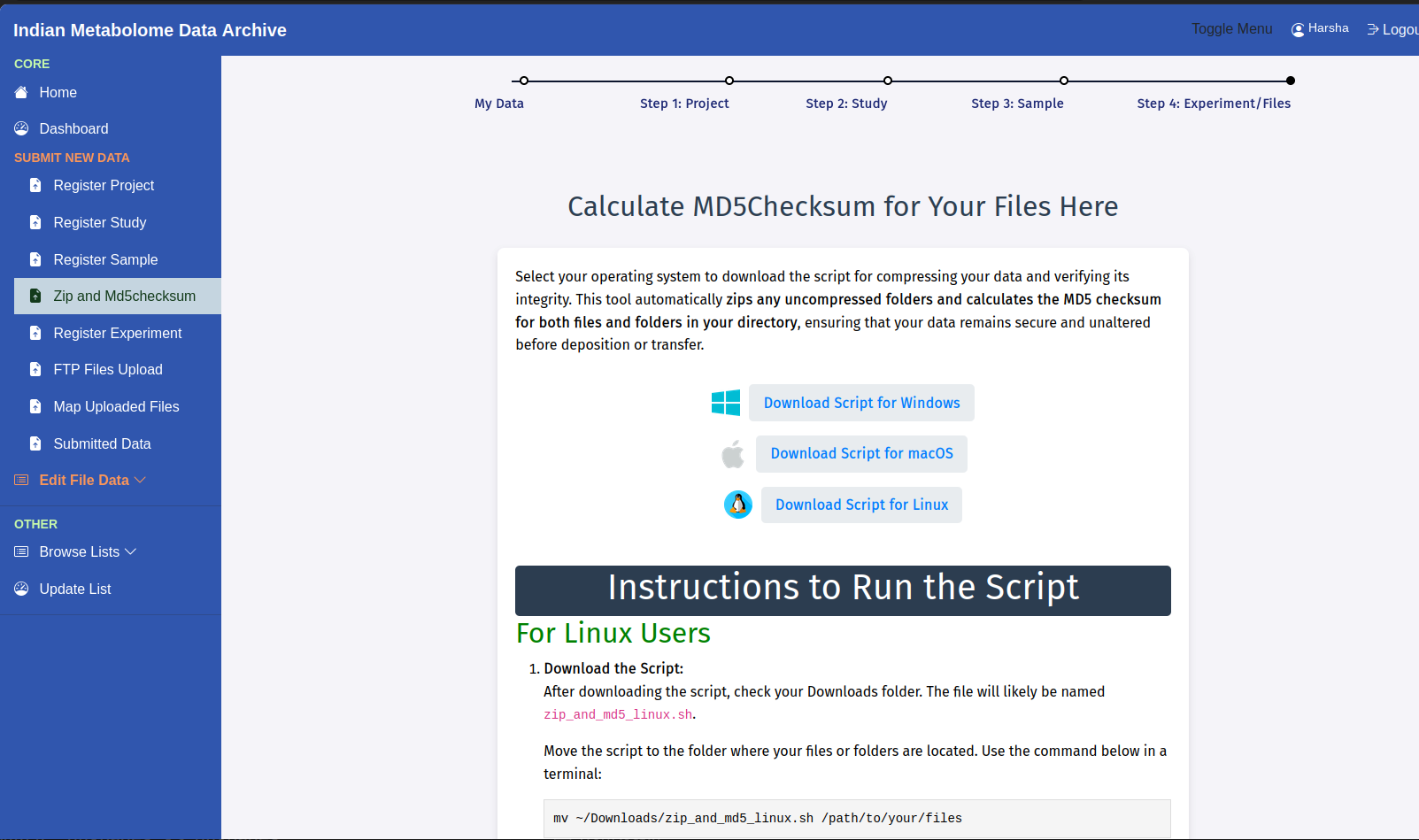
Access the Tool: Calculate MD5Checksum for Your Files Here.
Procedure
- Keep all final data files in a single folder. Download the script for Windows, macOS, or Linux and save the downloaded script in the same folder.
- Run the script as described in the instructions shown on the IMDA MD5 tool page. Confirm that it generates
md5sum.txt, then copy each checksum into the Md5checksum column for the matching file row in the MS or NMR experiment template.
Checksum Rules
Enter MD5 checksum values in lowercase and make sure each checksum corresponds to the exact ZIP file uploaded.
Example Output
sample_data.zip  8b1a9953c4611296a827abf8c47804d7
sample_data_02.zip  6f5902ac237024bdd0c176cb93063dc4
sample_data_03.mzML  098f6bcd4621d373cade4e832627b4f6
Each line shows the exact data-file name followed by its matching 32-character MD5 checksum. Enter each checksum in the experiment-template row for the same file name.
Common Mistakes
Generate the checksum after the final ZIP file is ready. If you rename, edit, re-zip, or replace a file, generate the checksum again.